
Voice interfaces have evolved far beyond rigid interactive voice response (IVR) phone trees. Modern users expect real-time conversational agents capable of understanding context, querying internal systems, and speaking with natural intonation. Constructing such an infrastructure from scratch often involves tangled backend architectures, websocket listeners, and custom integration glue.
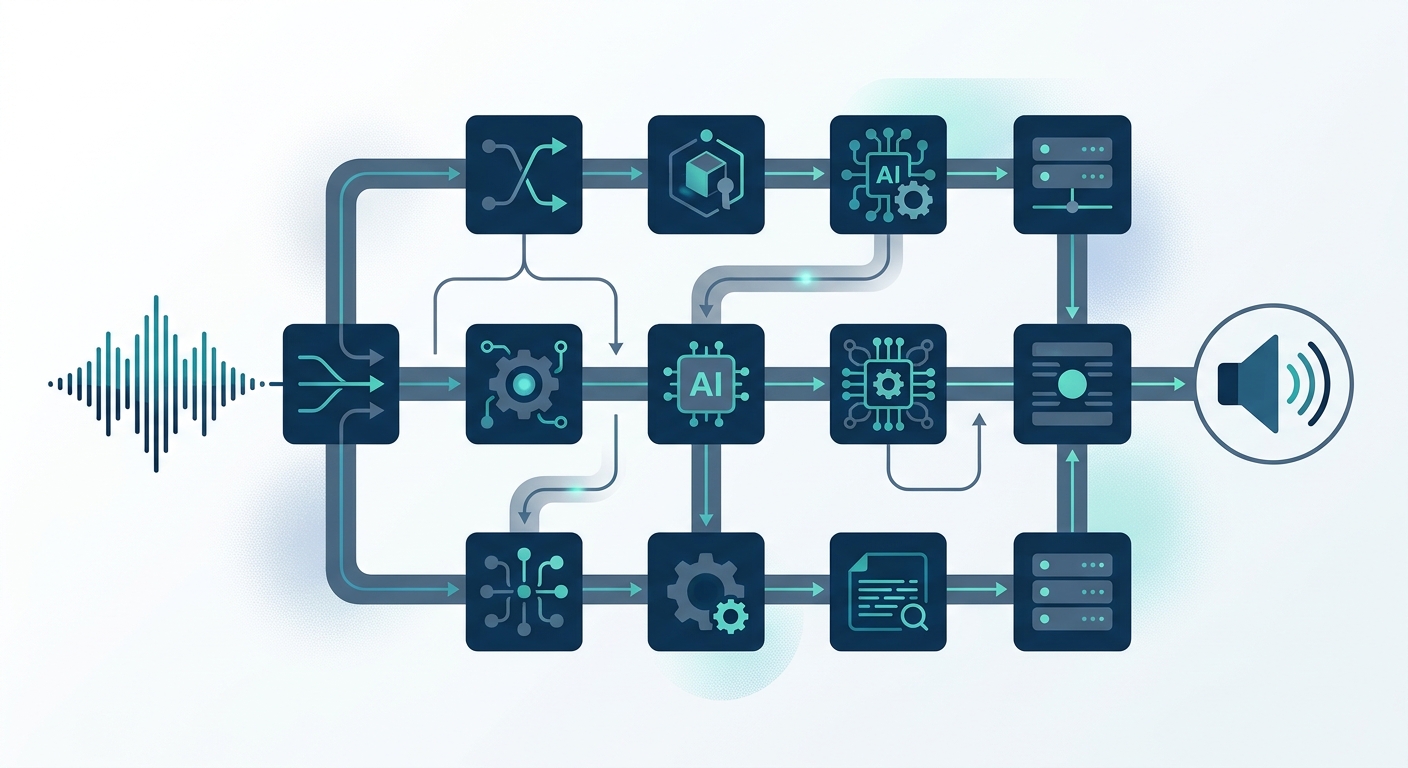
Using n8n and OpenAI alongside dedicated voice synthesis engines provides a structured, low-code yet deeply extensible foundation. n8n acts as the central orchestration bus, managing state, data routing, and external APIs, while OpenAI supplies conversational reasoning. This architectural guide breaks down the 7 practical engineering steps to design, deploy, and optimize a production-ready voice AI agent in n8n.
Architectural Overview: The Voice AI Pipeline
A voice-first automation pipeline is fundamentally different from a text-based AI automation workflow. In text chat, a three-second latency is tolerated; in spoken conversation, delays exceeding 800 milliseconds cause awkward conversational overlaps and poor user experience.
An end-to-end voice bot architecture consists of four distinct operational layers:
- Audio Ingestion & Telephony: Captures audio input via WebRTC or SIP trunks (using platforms such as Vapi, LiveKit, or ElevenLabs Conversational AI) and handles Voice Activity Detection (VAD).
- Speech-to-Text (STT): Transcribes user voice packets into text strings via real-time models like OpenAI Whisper or native telephony STT.
- Orchestration & Intelligence: The n8n workflow executes business logic, invokes RAG pipelines, queries enterprise databases, and generates responses through OpenAI models.
- Text-to-Speech (TTS): Converts synthesized text responses back into realistic audio streams for delivery to the listener.
Why Combine n8n and OpenAI for Voice Automation?
Connecting modern conversational models directly to phone networks without an orchestration tier creates significant technical debt. The combination of n8n and OpenAI solves several critical engineering challenges:
- Deterministic Business Logic: Pure Large Language Models (LLMs) can hallucinate operational rules. n8n enforces conditional branching (IF nodes, Switch nodes) around the model’s outputs.
- Tool & API Integration: An n8n workflow lets OpenAI trigger transactional tools—such as booking an appointment, querying an ERP, or writing to a CRM—without writing custom middleware.
- Observability & Auditability: Every voice turn logged through an n8n node displays precise payloads, token usage, latency metrics, and execution history.
7 Steps to Build an AI Voice Bot with n8n and OpenAI
Step 1: Configure the Telephony or Audio Ingestion Webhook
Every voice conversation starts with an audio capture session. When a user speaks, the voice gateway triggers a webhook to n8n containing the active session identifier, caller metadata, and transcribed user utterance.
In your n8n canvas, place a Webhook Node with the following settings:
- HTTP Method:
POST - Path:
/voice-turn-handler - Response Mode: Using ‘Respond to Webhook’ Node (crucial for controlling response timing)
Ensure your telephony platform forwards a payload containing at least two parameters: sessionId (to maintain thread memory) and message (the user’s transcribed question).
Step 2: Set Up Conversational Memory
Human speech is inherently contextual; voice bots must reference earlier conversational turns. Within an n8n AI chatbot workflow, you should not re-query raw database tables on every turn. Instead, leverage n8n’s native memory nodes.
Connect a Window Buffer Memory node or a Redis Chat Memory node to your workflow. Set the session key dynamically to {{ $json.body.sessionId }}. For voice applications, restrict the context window to the last 6 to 10 turns. Keeping the conversational window bounded reduces prompt token volume, directly decreasing Time-to-First-Token (TTFT).
Step 3: Map n8n Nodes to OpenAI Language Models
Add an AI Agent node or an OpenAI Chat Model node to your workflow. Consult the official n8n documentation for specific credential configuration steps.
To configure the model node for optimal voice dynamics:
- Model Selection: Use lightweight, low-latency models such as
gpt-4o-mini. Avoid heavy reasoning models for conversational turn-taking where round-trip latency must remain under 1 second. - Temperature: Set between
0.2and0.4. High temperatures increase variability and can introduce filler words that prolong audio rendering. - System Prompt Guidelines: Instruct the model strictly on conciseness. For instance: “You are an automated voice representative. Speak concisely. Never use bullet points, markdown formatting, or symbols. Limit answers to 1-2 spoken sentences.”
Step 4: Integrate Domain Knowledge via RAG and Tool Calling
Enterprise voice bots must retrieve private domain data without hallucinating policies or pricing. Connect a vector database tool or an external knowledge base—such as a dedicated AI knowledge base—directly to the n8n AI Agent node.
When a caller asks about account balances or store operating hours:
- The AI Agent node inspects available tools.
- If the answer requires private data, it executes a vector search or triggers an HTTP Request node to an internal API or custom software backend.
- The retrieved context is injected into the prompt payload before the final response token stream begins.
Step 5: Route Output to High-Performance TTS
Once OpenAI outputs the response text, it must be transformed into audio. Platforms utilizing an ElevenLabs and OpenAI n8n stack handle this in one of two ways:
- Direct Telephony Handshake: If using a dedicated voice orchestration platform (e.g., ElevenLabs Conversational AI or Vapi), n8n only needs to return a clean JSON payload via the Respond to Webhook node. The voice gateway automatically synthesizes the text into speech.
- n8n-Driven TTS Generation: If managing raw media streams, add an HTTP Request node directed to the ElevenLabs TTS API (
/v1/text-to-speech/{voice_id}/stream) or OpenAI’s audio endpoint, streaming base64 audio directly back to the calling client.
Step 6: Latency Optimization for Conversational Turn-Taking
Voice interactions fail when latency creates dead air. Optimize your pipeline using the following structural techniques:
| Optimization Area | Standard Implementation | Voice-Optimized Strategy |
|---|---|---|
| Model Selection | GPT-4o (Standard) | GPT-4o-mini (Faster TTFT) |
| Output Length | Unbounded responses | Hard prompt constraint (1–2 sentences) |
| Payload Size | Full JSON transaction logs | Stripped contextual key-value pairs |
| Data Fetching | Sequential HTTP requests | Parallel sub-workflows & indexed RAG |
To further reduce perceived delay, program the agent to return immediate acknowledgment markers (such as “Let me look that up for you”) if tool execution exceeds 1,200 milliseconds.
Step 7: Implement Production-Grade Error Handling and Fallbacks
External APIs can fail, encounter 429 rate limits, or time out. A voice bot must never drop a call silently when an exception occurs. Refer to the OpenAI API documentation for status code references and error schemas.
Implement these defensive design patterns within n8n:
- Workflow Error Triggers: Attach an Error Trigger node configured to catch any failing HTTP node or timeout event.
- Graceful Degradation: If the OpenAI node fails to return a payload within 3.5 seconds, redirect the flow to a static fallback response: “I am experiencing a momentary network delay. Let me transfer you to an operator, or please repeat your question.”
- Rate-Limit Retry Loops: In the HTTP Request node settings, enable “Retry on Fail” with exponential backoff for transient 500 and 503 gateway errors.
Enterprise Deployment and Infrastructure Best Practices
Running voice bots in mission-critical environments requires strict infrastructure controls:
- Queue-Based Concurrency: Default self-hosted n8n instances process jobs synchronously on the primary process. For handling simultaneous calls, deploy n8n in queue mode using Redis and distributed Docker worker containers.
- Credential Isolation: Never expose production OpenAI API keys in raw workflow exports. Utilize environment variables (
$env) and role-based access management within n8n. - Session Sanitization: Strip personally identifiable information (PII) such as payment details or social identity numbers before storing conversation history in vector stores or workflow execution logs.
Frequently Asked Questions
Can n8n handle full real-time audio streaming over WebSockets?
n8n is primarily designed around HTTP request-response cycles and webhooks. While it can receive and route base64 audio chunks, running ultra-low latency, bidirectional WebRTC audio streams is best managed by pairing n8n with an audio edge gateway (like Vapi or LiveKit). In this setup, the gateway manages the real-time audio stream, calling n8n webhooks to execute tool calls, fetch business data, and orchestrate complex agent decisions.
How do I reduce OpenAI API costs in high-volume voice workflows?
First, route simple routing intents to lightweight classifiers like gpt-4o-mini instead of large models. Second, prune your conversational memory window so that historical turns do not inflate input token counts. Finally, cache common static queries (such as store hours or shipping policies) in memory or a fast cache layer before hitting the LLM.
What is the difference between an n8n AI chatbot workflow and a voice AI agent?
A standard text chatbot workflow tolerates structured output (markdown, links, lists) and long latency windows. A voice AI agent workflow requires aggressive token minimization, natural spoken-language phrasing, phonetic tuning for brand names, and strict timeout handling to prevent conversational lag.