
Many growing enterprises reach a tipping point where generic spreadsheet templates, disconnected accounting tools, and rigid SaaS platforms actively hinder operations. Commercial off-the-shelf enterprise platforms like SAP or NetSuite often carry prohibitive licensing fees, multi-year lock-ins, and complex operational bloat that small teams rarely need. Consequently, developing custom ERP software has shifted from an expensive corporate luxury to a practical, value-driven strategy for growing organizations.
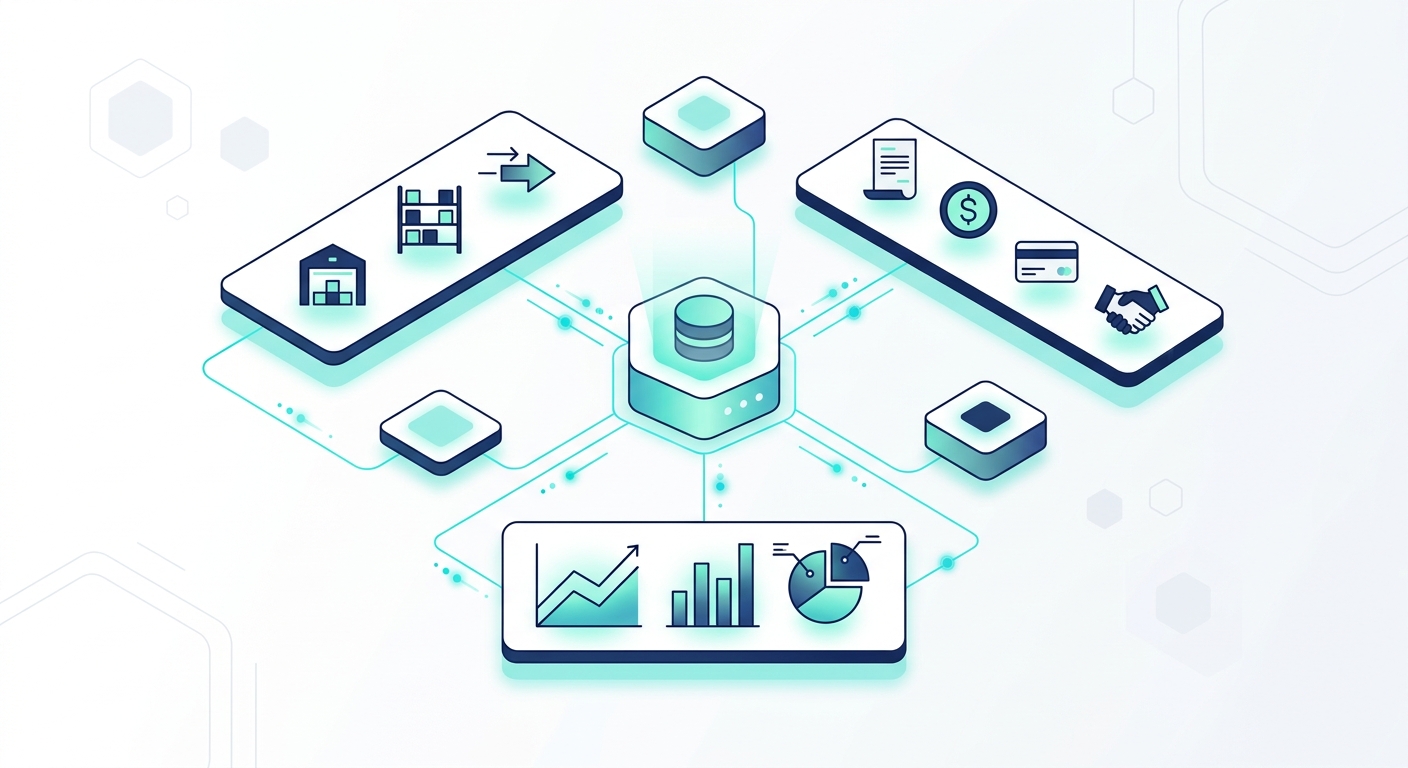
When engineering an operational hub, clarity of scope is essential. This custom erp development guide provides an architectural and operational framework designed to help leadership teams evaluate how to build custom erp software for small business without exhausting technical budgets or risking operational disruptions.
Custom ERP Software: Core Needs vs. Enterprise Bloat
Small-to-medium businesses (SMBs) struggle with off-the-shelf software primarily because commercial systems are designed to fit every conceivable corporate workflow. This design philosophy creates bloated navigation, excessive required input fields, and expensive modular add-ons for simple capabilities.
A right-sized erp system for small business prioritizes high-friction bottlenecks: centralized data access, automated order tracking, and reliable inventory adjustments. Distinguishing between practical requirements and enterprise overhead early prevents scope creep:
| Functional Domain | Essential Small Business Requirements | Enterprise Bloat to Avoid Early On |
|---|---|---|
| Inventory & Procurement | Real-time SKU quantities, location tracking, automated reorder thresholds, supplier directories. | Multi-tier international customs compliance engines, complex consignment ledger routing. |
| Billing & Accounting | Automated invoicing, local tax/GST generation, integration with primary bank feeds. | Multi-currency automated hedging modules, multi-jurisdiction conglomerate consolidation. |
| Order Management | Status tracking from intake to dispatch, webhook triggers for courier updates, customer history. | Multi-level executive approval hierarchies for standard line-item orders. |
| Access Control | Strict Role-Based Access Control (RBAC), basic session monitoring, clear audit logging. | Hardware-key biometric enforcement across standard non-administrative user roles. |
Step 1: Audit Workflows and Establish Technical Scoping
The foundation of any bespoke system begins with understanding where operational data currently resides. Most small businesses run on an ad-hoc combination of desktop spreadsheets, legacy accounting suites, email threads, and third-party messaging tools. When attempting to build own erp software, attempting to digitize broken manual processes directly into code will only automate inefficiency.
Begin by mapping every transaction cycle through three distinct layers:
- Input Vectors: Identify how data enters your company (e.g., website checkouts, WhatsApp inquiries, manual purchase orders, supplier CSVs).
- Processing Logic: Document the precise operational rules applied to that data (e.g., standard markups, minimum reorder thresholds, credit-term validation).
- System Outputs: Define what documentation must be produced (e.g., dispatch slips, GST-compliant invoices, automated restock alerts).
Engage department heads to document edge cases rather than just standard paths. Knowing what happens when an item is returned damaged or when an invoice is partially paid determines your underlying data validation rules.
Step 2: Choose a Pragmatic, Modular Architecture
A common engineering mistake is introducing distributed microservices architecture too early. For an early-stage ERP deployment, managing dozens of independently containerized services introduces high network latency, distributed state headaches, and unnecessary cloud infrastructure costs.
Instead, opt for a modular monolith or an API-driven decoupled architecture:
- Backend Framework: Mature, structured frameworks such as Node.js (NestJS/Express) or Python (FastAPI/Django) provide strong typing, robust ORMs, and extensive ecosystem support for handling business transactions.
- Frontend Layer: Component-driven frameworks like React ensure dynamic state management, allowing dashboard interfaces to reflect real-time operational updates without full-page reloads.
- Relational Database: Core enterprise resource data is strictly relational. Relational engines like PostgreSQL offer ACID compliance, robust foreign key constraints, and transactional integrity, preventing duplicate billing or ghost inventory issues.
- Workflow Automation Engine: Rather than hardcoding every transient notification or status change, integrate an event-driven workflow tool such as n8n. This enables developers to connect internal webhooks with third-party messaging tools and external APIs seamlessly.
For organizations looking to combine standard backend logic with intelligent automation, exploring custom software development services ensures clean API boundaries between legacy systems and new cloud-hosted modules.
Step 3: Implement Granular Data Modeling and Role-Based Access Control (RBAC)
An ERP operates as the central nervous system of a company, housing sensitive client data, vendor margins, and payroll records. Data integrity and multi-user security cannot be added as an afterthought.
Your technical design must include:
- Row-Level and Field-Level Permissions: Warehouse personnel updating dispatch quantities should not have visibility into vendor purchase costs or net operational margins.
- Strict Audit Logging: Create immutable audit tables. Every time an inventory count is adjusted, an invoice is edited, or an order is deleted, the database must write a non-editable log recording the timestamp, user ID, previous value, and new value.
- Stateless Authentication: Use industry-standard session protocols such as OAuth2 or JSON Web Tokens (JWT) paired with secure HTTP-only cookies, combined with strict token-revocation strategies for terminated users.
Step 4: Build Core Operational Modules in Increments
Avoid broad, multi-year rollouts that attempt to replace every internal system simultaneously. The most resilient implementation strategy follows a minimum viable product (MVP) approach built around direct cash-flow operations.
Focus first on the operational triangle:
- Centralized Master Data Catalog: Normalize your customer, vendor, and product lists into a single system of record, eliminating mismatched data across departments.
- Order-to-Cash Pipeline: Connect quote generation, order confirmation, and invoice processing into a single state machine.
- Inventory Synchronization: Ensure that when an invoice or dispatch note is finalized, available stock counts adjust dynamically across all connected sales channels.
If you manage domain-specific operations such as point-of-sale retail or regulated medical distribution, review purpose-built architectures across modular ERP and billing products to understand how high-speed scanning and compliance logging integrate into wider accounting pipelines.
Step 5: Integrate Automated Workflows and Legacy Systems
A custom ERP should actively reduce repetitive data entry. When evaluating your automation pipeline, look at high-volume, low-judgment tasks that consume staff hours.
Incorporate event-driven webhooks that trigger background jobs:
- Automated Reordering: Trigger alert webhooks or draft purchase orders when inventory counts hit safety thresholds.
- Finance Syncing: Use background worker queues (such as Redis-backed job processors) to push daily totals to bank reconciliation endpoints and tax filing portals.
- AI-Assisted Operations: Leverage AI-driven workflows to parse unstructured vendor PDF invoices into structured database entries. Teams adopting AI automation solutions for small business can streamline document processing without requiring manual administrative entry.
Step 6: Plan Data Migration and Parallel Operational Runs
Data migration is where ERP deployments face their highest operational risk. Historical databases and spreadsheets frequently contain duplicate customer records, discontinued SKUs, and formatting inconsistencies.
Execute data migration with a phased approach:
- Data Cleansing: Export legacy records to CSV staging environments. Standardize phone numbers, tax identification codes, and address formats. De-duplicate customer records using automated scripts.
- Dry-Run Import Testing: Run the sanitized dataset through database validation scripts in a staging environment to detect broken foreign keys and field-length violations.
- The Parallel Run: Run the new custom ERP in tandem with your legacy spreadsheets or old software for a defined window (typically two to four weeks). Cross-check end-of-day balances, inventory totals, and tax summaries between both systems to verify operational parity.
Step 7: Cloud Deployment, Security, and Phased Rollout
Host the ERP on modern cloud infrastructure that supports continuous integration, automated daily backups, and reliable uptime. Deploying services inside containerized environments managed through Docker on platforms like Amazon Web Services (AWS) ensures that staging and production environments match precisely.
During final rollout:
- Enforce Encryption: Encrypt all data in transit using TLS 1.3 and enforce AES-256 encryption on all stored database volumes and object storage buckets.
- Departmental Phasing: Transition one team at a time. For instance, migrate inventory tracking and warehousing first, verify stable operations for a week, and then cut over billing and finance.
- Direct User Training: Provide screen-recorded standard operating procedures (SOPs) based on your system’s exact screens. Custom systems succeed because they mirror the team’s terminology; training materials must reinforce those tailored interfaces.
Frequently Asked Questions
How long does it take to develop a custom ERP for a small business?
A focused MVP covering inventory, billing, and order tracking typically takes between 3 to 6 months of active engineering. Highly complex workflows involving custom manufacturing logic or multi-warehouse logistics can extend development timelines to 9 months or more depending on testing and legacy integration requirements.
What is the primary operational advantage of building an ERP over licensing standard SaaS?
While generic SaaS tools require recurring per-user monthly subscription fees that scale rapidly as your workforce expands, a custom ERP establishes software as a capital business asset. It operates strictly around your unique operational rules, eliminates feature bloat, and provides complete ownership and sovereignty over your company data.
How do we handle system maintenance and upgrades after deployment?
Custom software requires ongoing server monitoring, regular database indexing, and dependency security patching. Many organizations manage this by setting up containerized continuous deployment (CI/CD) pipelines and engaging an engineering partner for periodic infrastructure updates and feature iterations.