
Retailers and food-service operators frequently hit a technological wall when running their storefronts on off-the-shelf point-of-sale software. Packaged platforms often impose rigid checkout workflows, restrict custom hardware integration, take excessive cuts on payment processing, and struggle with localized tax compliance. Designing a custom pos system gives growing multi-store operations complete control over their checkout experience, offline fault tolerance, and data ownership.
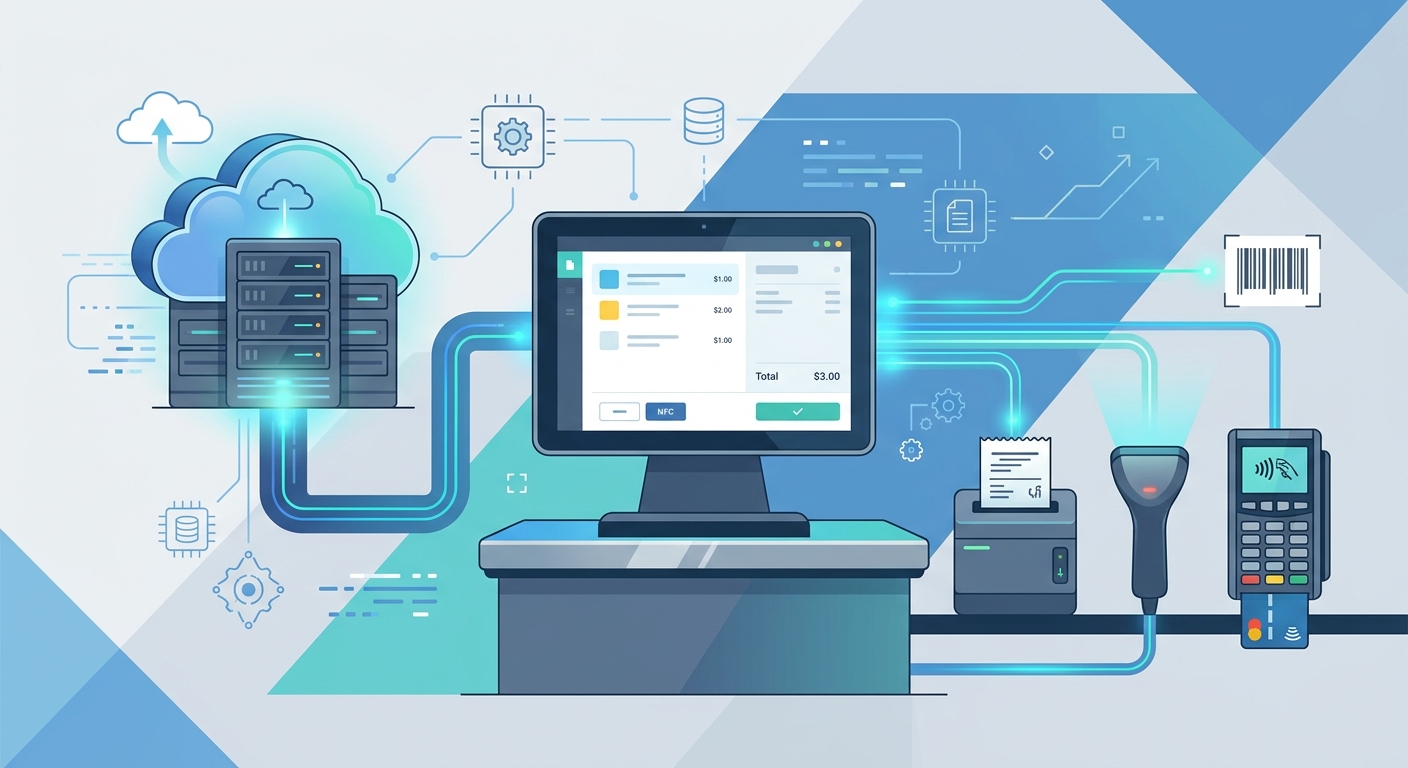
Node.js has become a primary backend environment for modern point-of-sale platforms. Its non-blocking, event-driven I/O model handles high-concurrency barcode scans, real-time inventory adjustments, and concurrent terminal sync without resource starvation. If you are exploring custom software development services to engineer an enterprise-grade billing engine, this guide walks through the essential architectural and technical steps to build a dependable, production-ready solution.
Step 1: Architecting for High Availability and Offline-First Sync
A checkout counter cannot stop operating because an internet service provider experiences an outage. In retail, every second of downtime produces lost transactions and frustrated customers. Building an offline-first architecture is mandatory.
The standard architecture pairs an edge runtime at the store location with a cloud-hosted central backend:
- Client Layer: An Electron, React, or Flutter desktop/mobile terminal that communicates with an embedded local store database such as SQLite or IndexedDB.
- Edge Sync Manager: A lightweight background worker that queues completed sales locally in an append-only transaction ledger when the internet is unavailable.
- Cloud Backend: A scalable Node.js API (built with Fastify or Express) backed by a clustered database like PostgreSQL, managed behind a reverse proxy and load balancer.
When internet connectivity drops, the terminal continues issuing valid receipts and decrementing local stock reserves. Once connectivity recovers, the edge service reconciles queued sales against the cloud backend using an asynchronous sync pipeline. Conflict resolution for inventory uses event sourcing: rather than overwriting absolute stock counts, the cloud records debit and credit ledger entries to guarantee transactional integrity.
Step 2: Designing the Relational Database Schema for Inventory and Tax
Financial billing software requires strict ACID compliance. Document stores like MongoDB can store catalog metadata, but transactional records (line items, payment splits, and multi-tier taxes) are best suited for relational databases like PostgreSQL.
| Entity | Primary Columns | Key Considerations |
|---|---|---|
| products | id, sku, barcode, name, base_price, is_active | Index the barcode and sku columns heavily for sub-50ms scanner lookups. |
| inventory_levels | id, product_id, store_id, quantity_on_hand, reserved_quantity | Maintain store-specific row isolation to handle multi-warehouse fulfillment. |
| tax_rules | id, name, rate_percentage, tax_type, country_code, state_code | Supports multi-region configurations, such as dual GST (CGST/SGST) or state VAT. |
| orders | id, receipt_number, store_id, register_id, cashier_id, status, total_amount | Generate sequential, tamper-evident receipt numbers per register session. |
| order_items | id, order_id, product_id, unit_price, quantity, discount_amount, tax_amount | Store exact snapshots of price and tax at the moment of checkout, not dynamic links. |
Ensure that all financial monetary values are represented as integers (e.g., storing $19.99 as 1999 cents) or using the PostgreSQL NUMERIC(12, 4) data type. Floating-point rounding errors will corrupt balance sheets and tax filings.
Step 3: Implementing Secure Terminal Authentication & Device Pairing
Retail environments present distinct security challenges. Checkout terminals are physical workstations accessible by temporary staff, making standard user-password sessions insufficient. A zero-trust terminal pairing pattern provides superior protection:
- Mutual TLS (mTLS): Deploy client certificates onto store hardware to verify that incoming API requests originate from recognized, store-owned registers.
- Scoped Device Tokens: When provisioning a register, pair it to the central backend using a one-time activation key. The backend issues a long-lived device token bound to the terminal’s hardware fingerprint (MAC address or UUID).
- Short-Lived Cashier JWTs: Cashiers log in via employee PIN or RFID badge against the local store daemon or cloud API. The resulting session token carries narrow operational scopes (e.g.,
orders:create,cart:apply_discount) and expires automatically after inactivity or register closeout. - Manager Overrides: High-risk operations—such as item voids, transaction cancellations, and price overrides—require a secondary API handshake signed by an authorized supervisor’s credentials.
Step 4: Building the Core Billing Engine with Node.js
When you engineer a node js pos billing system, the checkout execution pipeline must be wrapped in rigorous database transactions to prevent race conditions during inventory depletion.
Refer to official PostgreSQL documentation regarding transaction isolation levels. In Node.js, an ACID-compliant checkout service using a connection pool operates in a structured sequence:
- Start Transaction: Begin an isolated transaction block with
SERIALIZABLEorREPEATABLE READisolation. - Lock Inventory Rows: Use
SELECT ... FOR UPDATEon the targeted product rows to block concurrent checkouts from overselling the remaining physical stock. - Verify Quantities: Abort and roll back immediately if requested quantities exceed
quantity_on_hand - reserved_quantity. - Insert Immutable Snapshot: Create the order record, insert the line items, and persist the explicit tax calculation snapshot.
- Decrement Stock: Update the inventory ledger to reflect the depleted inventory.
- Commit: Finalize the transaction, release locks, and emit a WebSocket event to update in-store displays and connected back-office screens.
Structuring the billing logic into discrete micro-services or modular monolith components allows companies to deploy tailored editions, such as a specialized retail or pharmacy billing product with custom expiry batch controls.
Step 5: Storefront Error Handling and Idempotent Failover
Payment terminal disconnects, power surges, and double-tapped checkout buttons threaten transaction consistency. Building robust error handling ensures registers never charge a card twice or print duplicate receipts.
Every checkout request sent from the terminal client must include a unique Idempotency-Key (such as a UUIDv4 generated at cart creation). On the Node.js backend:
- Store incoming idempotency keys in Redis with an expiration window (e.g., 24 hours).
- If a network timeout occurs and the POS terminal retries the request, the Node.js API checks the cache.
- If the transaction has already committed, the API bypasses the execution pipeline and immediately returns the cached, completed receipt response.
- If the transaction is currently in-flight, subsequent requests return an
HTTP 409 Conflictor wait for the initial execution lock to release.
Step 6: Integrating Hardware Peripherals and Special Workflows
A billing application is only as practical as its peripheral integrations. When you build pos app with node js, the terminal layer needs direct hardware communication channels:
- Thermal Receipt Printers: Implement raw ESC/POS command generation to drive serial, USB, or networked receipt printers directly from Node.js (via packages like
escpos) or through client-side WebUSB/WebSerial APIs. - Barcode and Scale Scanners: Listen to USB HID (Human Interface Device) inputs. Barcode scanners act as keyboard wedges, requiring input sanitizers that differentiate rapid scanner bursts from human keystrokes.
- Restaurant-Specific Modules: If you are constructing a restaurant pos system with node js, include table-mapping state machines, kitchen display system (KDS) feeds using WebSockets, and split-tender billing logic to divide checks across cash, cards, and digital wallets.
Understanding these peripheral requirements early prevents structural rewrites later when your hardware deployments expand from traditional counters to handheld mobile registers.
Step 7: Cloud Deployment, Automated CI/CD, and Monitoring
Once the application logic is built, containerize the Node.js service using Docker to ensure identical behavior across development, staging, and production environments. Host the central cluster on reliable cloud infrastructure such as AWS ECS or GCP Cloud Run, scaling instances based on CPU utilization and incoming HTTP request rates.
Incorporate centralized application performance monitoring (APM) to track database query latency, unhandled promise rejections, and terminal sync backlogs. Deploying automated CI/CD pipelines ensures that security patches, tax schedule updates, and feature additions roll out without disrupting active retail shifts.
Why Build a Custom POS System Instead of Packaged Software?
While turnkey solutions offer fast onboarding, scaling enterprises often find that proprietary software lowers operational overhead over time. Deciding whether to build or buy comes down to three operational trade-offs:
- Payment Gateway Independence: Commercial POS vendors often mandate their proprietary payment processors, charging significant markup per transaction. A custom build lets you integrate directly with banks or localized payment aggregators to secure wholesale interchange rates.
- Deep ERP and Supply Chain Integrations: A proprietary POS connects natively to existing warehouse management, accounting, and proprietary customer loyalty platforms using custom APIs, avoiding unreliable third-party sync plugins.
- Tailored Operational Speed: Cashiers can complete specialized workflows—such as serialized trade-ins, fractional product weights, or dual-currency invoicing—without navigating clunky generic UI screens.
For organizations looking to evaluate frameworks, databases, and deployment options, exploring modern backend architectures on our technology overview page provides deeper insights into structuring high-performance transactional engines.
Frequently Asked Questions
Can Node.js handle high-volume POS transactions during peak sales?
Yes. Node.js is well-suited for high-concurrency environments because its non-blocking event loop handles thousands of concurrent I/O operations simultaneously. When paired with PostgreSQL connection pooling and Redis caching, a single Node.js instance can process substantial checkout volumes with sub-second response times.
How do you synchronize offline sales when a terminal reconnects?
Offline transactions are stored locally in an append-only SQLite queue. Upon network restoration, an edge sync service pushes these transactions to the Node.js cloud API sequentially. The backend processes each transaction using idempotency keys and adjusts inventory via audit ledgers rather than absolute overrides, preventing race conditions.
What frontend framework pairs best with a Node.js POS backend?
For desktop registers requiring hardware serial connections (scanners, cash drawers, customer displays), Electron paired with React is a popular combination. For mobile POS terminals and handheld tablets, Flutter or React Native provides cross-platform support across Android and iOS devices.